







SharePoint Consulting

Most organisations have SharePoint but few use it to its full potential. We design, configure, and optimise Microsoft 365 SharePoint environments your people will actually use, built around the way your organisation works, not the other way around.
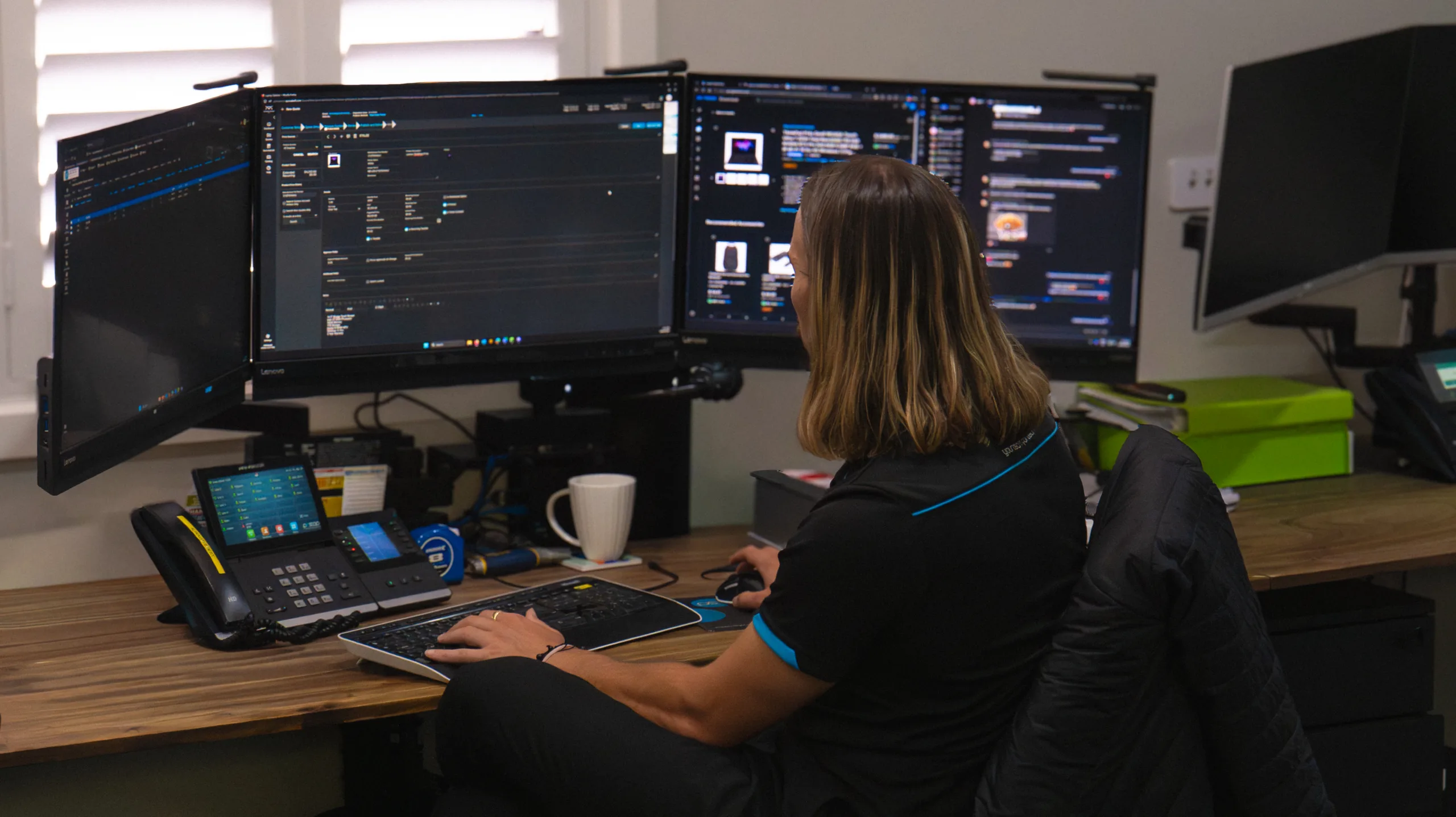
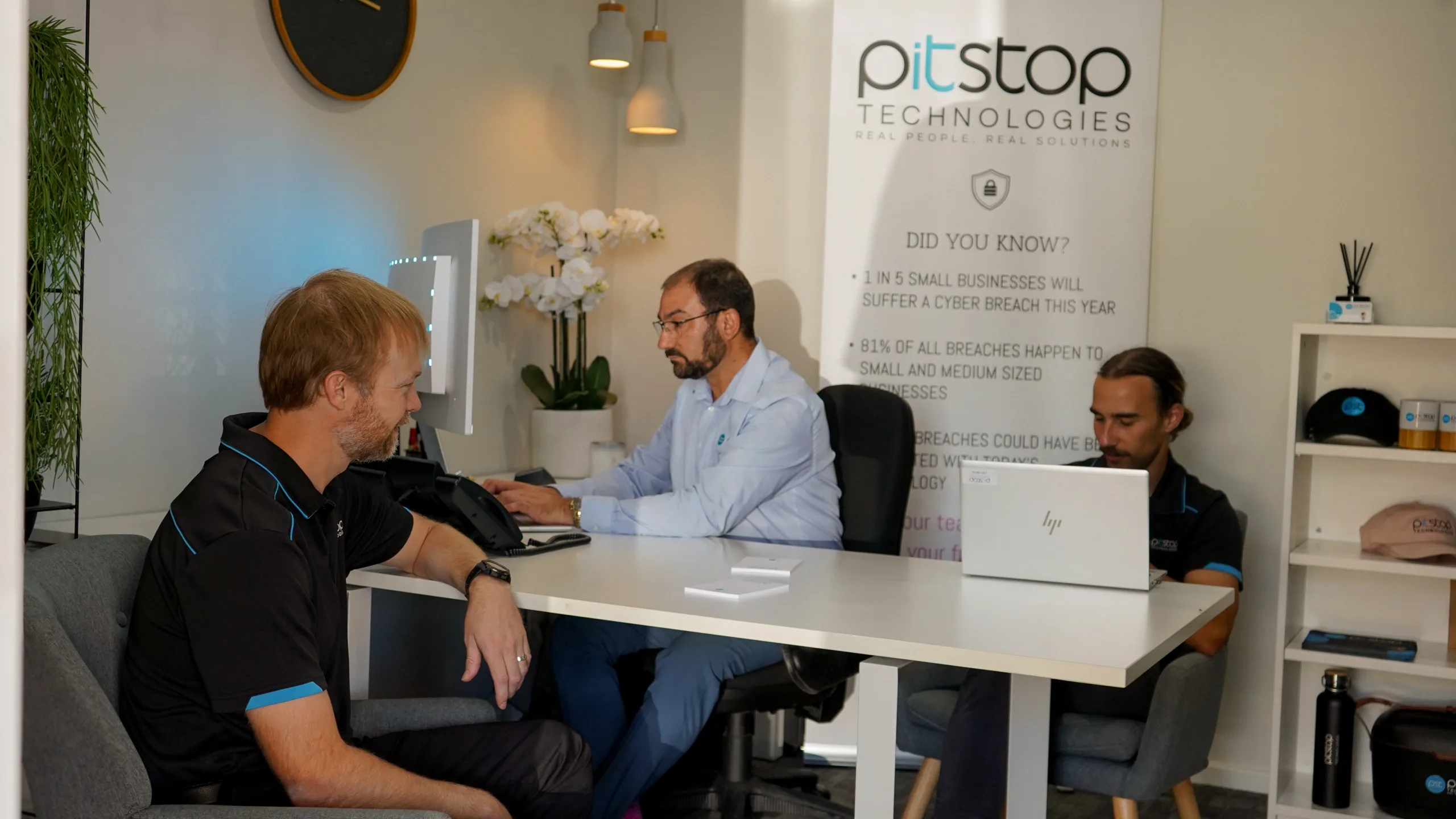
Every SharePoint environment we build starts with a thorough understanding of your organisation, your team structure, your document management needs, and the way your people actually work. We design your SharePoint information architecture, site structure, permissions, and navigation from the ground up, configured to your specific requirements. The result is a SharePoint environment that feels intuitive, is genuinely useful, and gets adopted by your team from day one.
No templates, no shortcuts, no generic setups.
No templates. No one-size-fits-all solutions. Our South Australian-based SharePoint consultants take the time to understand your business, your people, and your goals, then build a solution that actually fits the way you work.
We listen first, then design a Microsoft 365 and SharePoint environment built around how your people actually work.

We build your SharePoint and Microsoft 365 environment properly from day one, so you’re not untangling problems later.

We manage your migration from legacy systems, shared drives, or older SharePoint versions end to end, protecting your data and minimising disruption.

We tailor layouts, themes, navigation, and branding so your SharePoint environment feels like an extension of your organisation, not a generic template.
Your setup gets better over time, not worse.
The work doesn’t stop the day your SharePoint environment goes live. We provide ongoing Microsoft 365 SharePoint support including helpdesk assistance, governance reviews, permissions audits, performance optimisation, and user training. We also build custom workflows, automate repetitive processes, and integrate SharePoint with your existing business applications, including CRMs, booking systems, and other Microsoft 365 tools.
The result is a SharePoint environment that gets better over time, not worse. Your team gains more value from it as your business grows, not less.
Whether you’re starting from scratch, migrating from a legacy system, or fixing a SharePoint environment that’s grown out of control, here is exactly how we deliver a Microsoft 365 SharePoint solution your people will actually use.

We work closely with your team to understand how your people work, how content is organised, and what a successful SharePoint environment looks like for your organisation. The output shapes everything that follows.

We design your site structure, library organisation, metadata framework, navigation, and permissions model, then present it for your review and refine it before any build work begins.
3. Build, Configuration and Migration
Our SharePoint consultants build to the approved design, configure security and permissions, set up Teams and OneDrive integrations, and deploy custom workflows. Where migration is required, we manage the entire process end to end.

4. Branding, Customisation and Integration
We apply your organisation’s branding, build custom pages and web parts, and integrate SharePoint with your existing business systems including CRMs and other Microsoft 365 tools. The goal is an environment that feels like a natural part of how your organisation works.

5. Training, Handover and Ongoing Support
We provide structured SharePoint training in plain language, at a pace that suits your team. Following handover, we provide ongoing support including helpdesk assistance, governance reviews, and platform optimisation as your requirements evolve.
FAQ’s
SharePoint is a cloud-based platform within Microsoft 365 that gives your team one place to store, organise and share files.
It replaces messy shared drives and email attachments with a single, structured workspace you can access from anywhere.
Beyond file storage, it can be used to build internal sites, automate processes and work more easily across tools like Teams and OneDrive.
In simple terms…
Everything in one place
Easier collaboration
Less time chasing files
OneDrive is designed for personal file storage, it’s where individual users store and access their own documents. SharePoint is designed for team and organisational collaboration. It’s where shared content, departmental resources, and company wide information lives.
Think of OneDrive as your personal filing cabinet and SharePoint as the office filing system that everyone can access according to their role and permissions. Both are included in Microsoft 365 and work best when used together as part of a properly configured Microsoft 365 environment.
Almost certainly yes! And this is one of the most common situations we encounter. Many organisations have SharePoint as part of their Microsoft 365 subscription but have never set it up properly, resulting in a cluttered, confusing environment that nobody uses.
A SharePoint consultant can assess your current setup, restructure your information architecture, improve navigation and search, train your team, and transform SharePoint from a neglected tool into a genuinely useful part of how your organisation works every day.
A basic SharePoint setup for a small team can be completed in a matter of days. A more comprehensive implementation, including custom site architecture, workflow automation, branding, permissions configuration, and integration with other Microsoft 365 tools typically takes several weeks.
For larger organisations or those migrating significant volumes of content from legacy systems, the timeline may extend further. We provide a clear project plan and realistic timeline upfront, so you know exactly what to expect before we begin.
Yes- SharePoint migration is one of our core services. We manage the entire process of moving your content from shared drives, legacy intranets, or older SharePoint environments to a properly structured Microsoft 365 SharePoint environment.
This includes mapping your existing content structure, cleaning up redundant or outdated files where required, configuring permissions, and validating that everything has migrated correctly before we hand over to your team. We take particular care to preserve your content structure so your people can find what they need from day one.
SharePoint replaces the limitations of traditional shared drives and email-based file sharing with a structured, searchable, and permission-controlled document management system. Documents are stored in a single, consistent location with version control, so you always know you’re working on the latest version and can recover previous versions if needed.
And because SharePoint integrates directly with Microsoft Teams and Outlook, your team can access and collaborate on documents without switching between multiple tools.
Yes – it’s actually a really strong fit.
For local government
SharePoint helps bring everything into one place.
- Centralised documents and policies
- Better collaboration across departments
- Streamlined workflows and approvals
- Secure access to sensitive information
That means less admin, clearer communication and faster service delivery.
For not-for-profits
It supports lean teams doing a lot with limited resources.
- Easy file sharing for staff and volunteers
- Clear access to policies and procedures
- Better coordination across programs
- Support for compliance and reporting
That means less time chasing information and more time focused on your mission.
In simple terms…
It keeps things organised
It improves collaboration
It supports compliance
And it works well for teams that need to stay efficient, secure and connected.
Technology only works when your people actually use it. Whether you’re starting fresh, improving an existing setup, or untangling a SharePoint environment that’s grown out of control, we make Microsoft 365 and SharePoint simple, practical, and genuinely useful.
Book a Free SharePoint Consultation A straight conversation about your current setup, your team, and how to make SharePoint work the way you need it to.